Cornell Notes Template
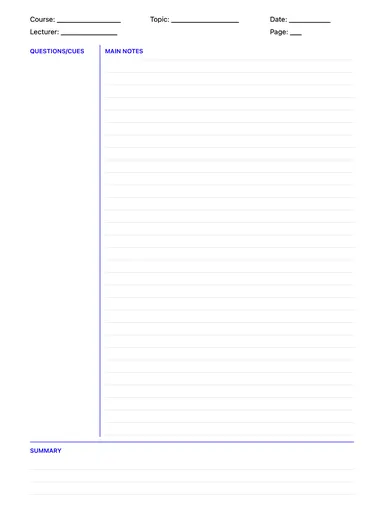
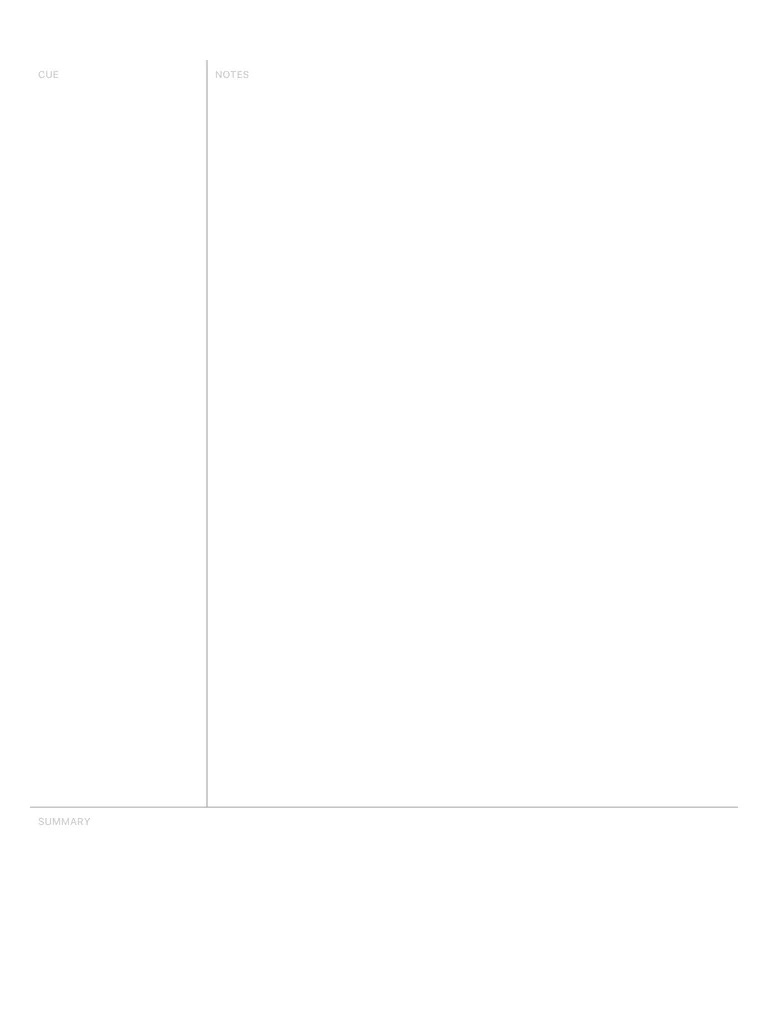
The classic Cornell layout: a narrow cue column on the left, a wide notes area on the right and a summary box at the bottom. Download it free or fill it in with Apple Pencil.
Free · no sign-up · PDF works for printing and in any note app (Goodnotes, Notability, Notes for iPad). Premium template in the app.
About this template
The Cornell system was developed at Cornell University in the 1950s by Walter Pauk. The page is split into three zones: main notes on the right, a cue column on the left for keywords and questions, and a summary at the bottom. Take notes in the main area during class; afterwards add questions to the cue column and write a short summary. That quick review step is what makes the method work.
Learn more: The Cornell Method: How to Take Cornell Notes.
How to use it
- During the lecture, write only in the wide right column. Keep it short: key terms, examples, formulas.
- Within 24 hours, turn each chunk of notes into a question in the left cue column.
- Write a 2–3 sentence summary at the bottom in your own words — this is where learning happens.
- To revise, cover the right column and answer the questions from the cue column out loud.
Who it's for
- Students: Track classes, assignments & exams
- ADHD-Friendly: Clear structure helps maintain focus
- Professionals: Manage meetings & deadlines
Write with Apple Pencil, a mouse or your finger. Your page is saved in this browser.

Use the Cornell Notes Template in Notes for iPad
Unlimited pages, 117 templates, notebooks, stickers, PDF import and export — made for Apple Pencil.
Frequently asked questions
What are the three parts of Cornell notes?
Cues (left column: questions and keywords), Notes (right column: what you capture during class) and Summary (bottom: a short recap in your own words). Read our step-by-step guide to the Cornell method for examples.
Is the Cornell method good on an iPad?
Yes — arguably better than on paper, because you can add pages, move and resize writing with the lasso, paste diagrams and export everything as a PDF for revision.
Can I print this Cornell notes template?
Yes, download the free PDF and print as many copies as you need.