Blank Paper
A clean, distraction-free page for sketching, diagrams and free-form notes. Print it, or draw on it with Apple Pencil in your browser.
Free · no sign-up · PDF works for printing and in any note app (Goodnotes, Notability, Notes for iPad). Free in the app.
About this template
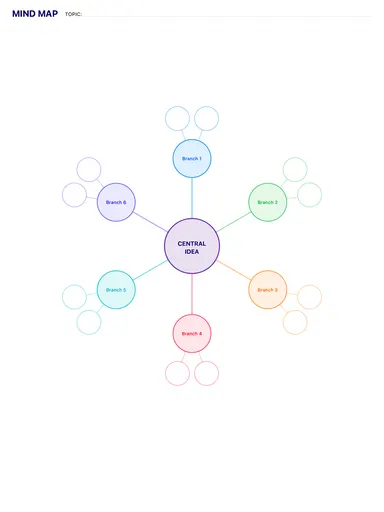
A blank slate: no lines, no boxes, just a clean page. Use it for sketches, diagrams, brain dumps and mind maps, or whenever lines would get in the way of your thinking.
How to use it
- Blank pages work best for sketches, diagrams and mind maps where lines get in the way.
- If your handwriting drifts, switch to dot grid — it guides without showing lines.
Who it's for
- Minimalists: Simple, distraction-free planning
- Creatives: Capture ideas & inspiration
- Journalers: Reflect & document life

Write with Apple Pencil, a mouse or your finger. Your page is saved in this browser.
Use the Blank Paper in Notes for iPad
Unlimited pages, 117 templates, notebooks, stickers, PDF import and export — made for Apple Pencil.
Frequently asked questions
Why use a blank template instead of an empty note?
A template keeps margins and page size consistent, so pages print and export cleanly as a PDF.
Is it free?
Yes — the download is free and the blank template is free in the Notes for iPad app.