Lecture Notes Template
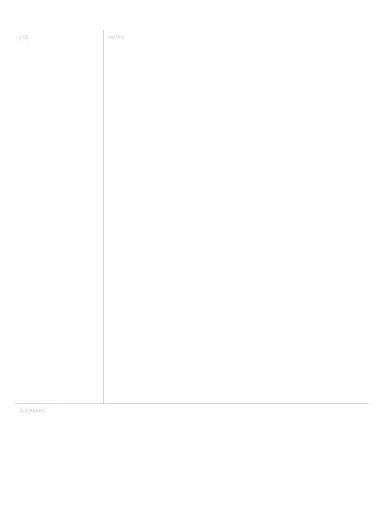
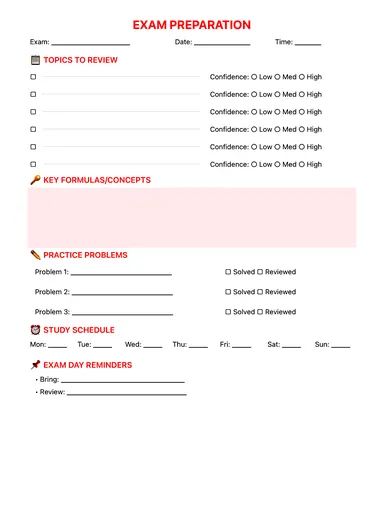
A lecture notes page with course, topic and date fields, a questions column, a main notes area and a summary — Cornell-style, ready for class. Free PDF or digital.
Free · no sign-up · PDF works for printing and in any note app (Goodnotes, Notability, Notes for iPad). Premium template in the app.
About this template
Stop writing everything and start capturing what matters. The structured layout separates main ideas from supporting details, questions from answers, and key terms from explanations. Record lecture metadata at the top so you can find notes months later. The summary section forces you to synthesize information right after class — which research shows dramatically improves retention. Turn passive note-taking into active learning with a system designed for how memory actually works.
Learn more: How to Take Notes on an iPad.
How to use it
- Fill course, topic and date before class — you'll thank yourself when revising.
- Leave the questions column empty during the lecture and fill it the same evening.
Who it's for
- Students: Track classes, assignments & exams
- ADHD-Friendly: Clear structure helps maintain focus
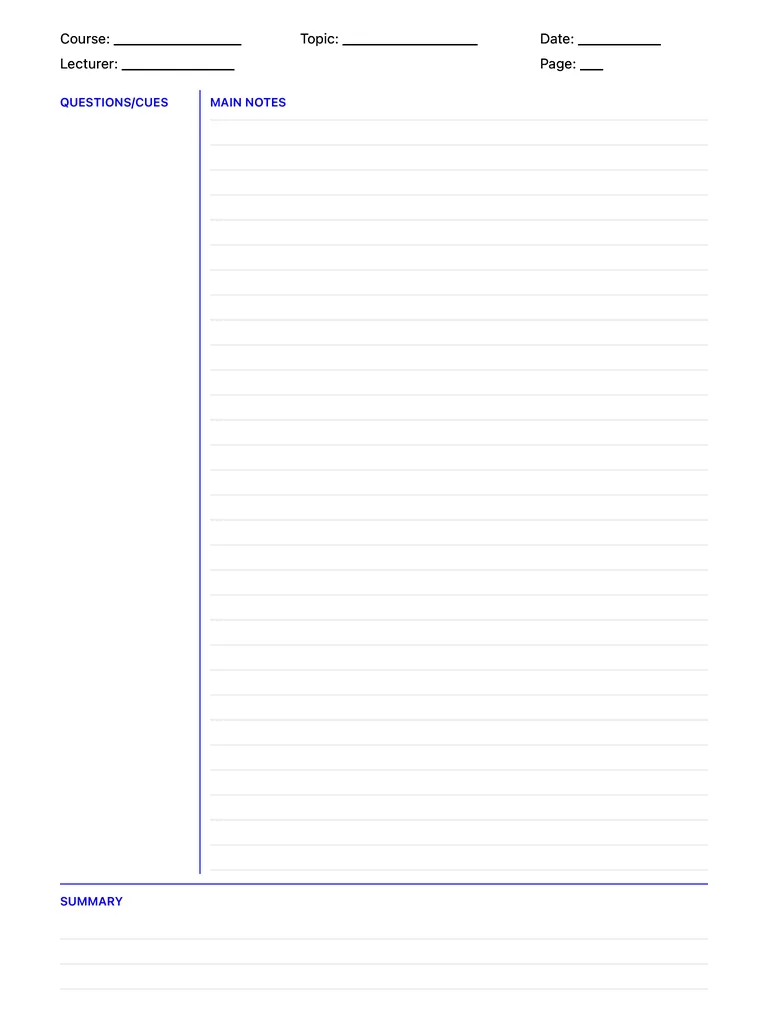
Write with Apple Pencil, a mouse or your finger. Your page is saved in this browser.

Use the Lecture Notes Template in Notes for iPad
Unlimited pages, 117 templates, notebooks, stickers, PDF import and export — made for Apple Pencil.
Frequently asked questions
How is this different from the Cornell template?
It's Cornell-based, with extra header fields for course, lecturer and page number — handy when you keep a notebook per class.