Graph Paper
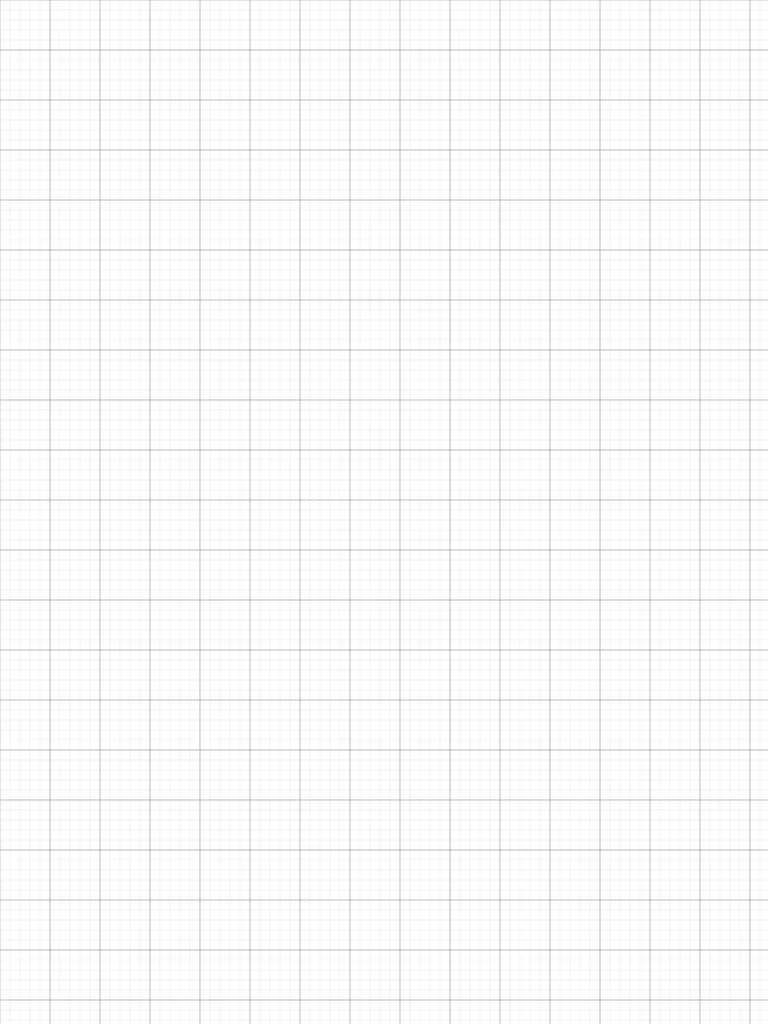
Free graph paper: a fine square grid with a bolder line every fifth square. Download the PDF to print, or write on it with Apple Pencil — right here in your browser or in the Notes for iPad app.
Free · no sign-up · PDF works for printing and in any note app (Goodnotes, Notability, Notes for iPad). Premium template in the app.
About this template
A fine grid with bold lines every five squares gives you structure for mathematical graphs, technical sketches, floor plans and engineering diagrams. Keep proportions consistent and draw straight lines without a ruler. Students use it for math and physics homework; designers use it for floor plans and wireframes. The grid guides without restricting your pencil.
How to use it
- Use each bold square (5×5 small squares) as one unit for scale drawings and floor plans.
- For math homework, draw your axes on a bold line so the tick marks land on the grid.
- On iPad, turn on the ruler in the pen tools to draw perfectly straight lines between grid points.
Who it's for
- Professionals: Manage meetings & deadlines
- Creatives: Capture ideas & inspiration
Write with Apple Pencil, a mouse or your finger. Your page is saved in this browser.

Use the Graph Paper in Notes for iPad
Unlimited pages, 117 templates, notebooks, stickers, PDF import and export — made for Apple Pencil.
Frequently asked questions
What does the grid look like?
Small squares with a heavier line every fifth square, so you can count units quickly. It is the classic layout for math, physics and engineering sketches.
Can I print this graph paper?
Yes. The PDF is sized for iPad (3:4) and scales to fit Letter or A4 when you print it, so the squares stay square but are not a fixed metric size.
Can I use it in Goodnotes or Notability?
Yes — the PDF is a standard file, so you can import it into any note app as a page template. In Notes for iPad it is built in, together with square, isometric and hexagonal grids.