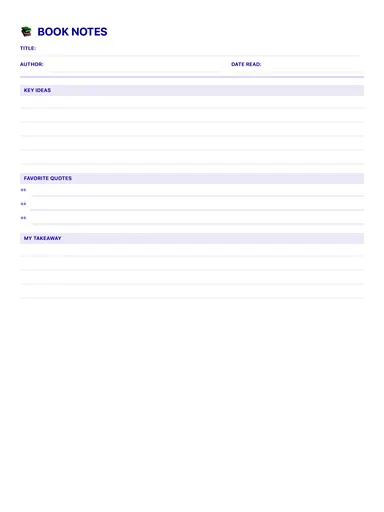
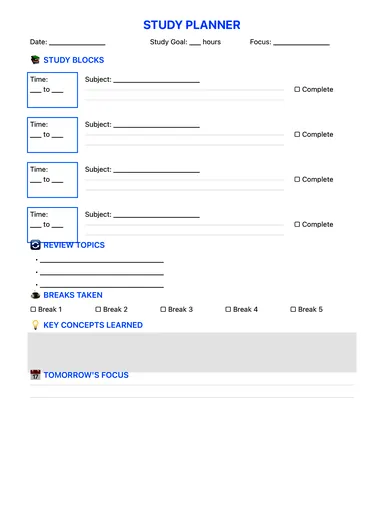
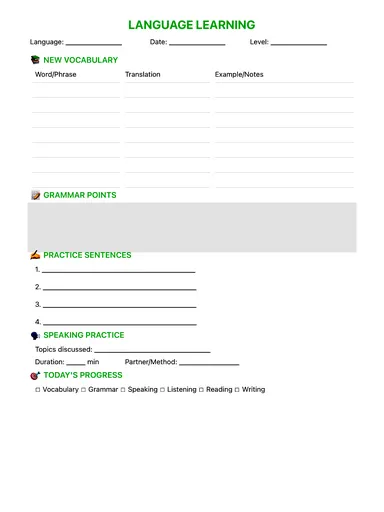
Reading Log Template
Log each reading session — title, author, pages, time and genre — plus key quotes, main insights, new vocabulary, a personal reflection and a rating. Free PDF, or fill it in with Apple Pencil.
Free · no sign-up · PDF works for printing and in any note app (Goodnotes, Notability, Notes for iPad). Premium template in the app.
About this template
Turn passive reading into active learning. For each session, note the book details, pages and time spent, then capture the quotes that resonate and your main insights. New words go into their own section, and a short personal reflection plus a star rating finish the page. Review your logs once a month to see what you have learned.
How to use it
- Log right after you read, while the ideas are fresh — two minutes is enough.
- Copy at most one or two quotes per session; pick the ones you'd want to find again.
- Once a month, reread your logs and circle the ideas you actually used.
Who it's for
- Students: Track classes, assignments & exams
- ADHD-Friendly: Clear structure helps maintain focus
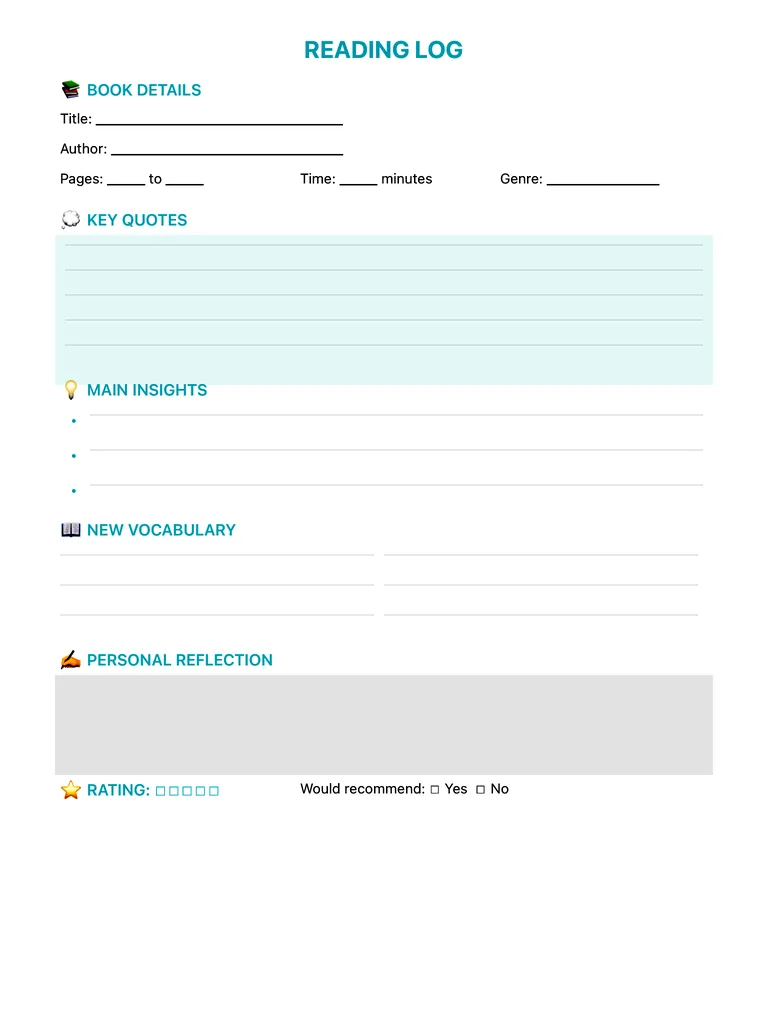
Write with Apple Pencil, a mouse or your finger. Your page is saved in this browser.

Use the Reading Log Template in Notes for iPad
Unlimited pages, 117 templates, notebooks, stickers, PDF import and export — made for Apple Pencil.
Frequently asked questions
Is this reading log good for kids?
It works for students and adults. Younger readers can fill in just the book, pages and minutes; older students can use the quotes and insights sections for reading responses.
How is a reading log different from book notes?
A reading log tracks sessions over time; book notes summarise a whole book once you finish it. Many readers use both.