Lined Paper
Clean lined paper for handwriting, letters and notes. Print the free PDF or write on it with Apple Pencil in your browser — no sign-up.
Free · no sign-up · PDF works for printing and in any note app (Goodnotes, Notability, Notes for iPad). Free in the app.
About this template
Classic ruled paper for longform writing, journaling and notes in meetings or class. The comfortable line spacing keeps handwriting neat, and the left margin gives you a place for dates, keywords and action items you want to find later.
How to use it
- Keep a little space above each line for tall letters — your handwriting will look neater.
- Leave a wider left margin for dates or headings when you use it for class notes.
- In the app, add pages as you go; the lined template repeats on every new page.
Who it's for
- Students: Track classes, assignments & exams
- Journalers: Reflect & document life
- Professionals: Manage meetings & deadlines
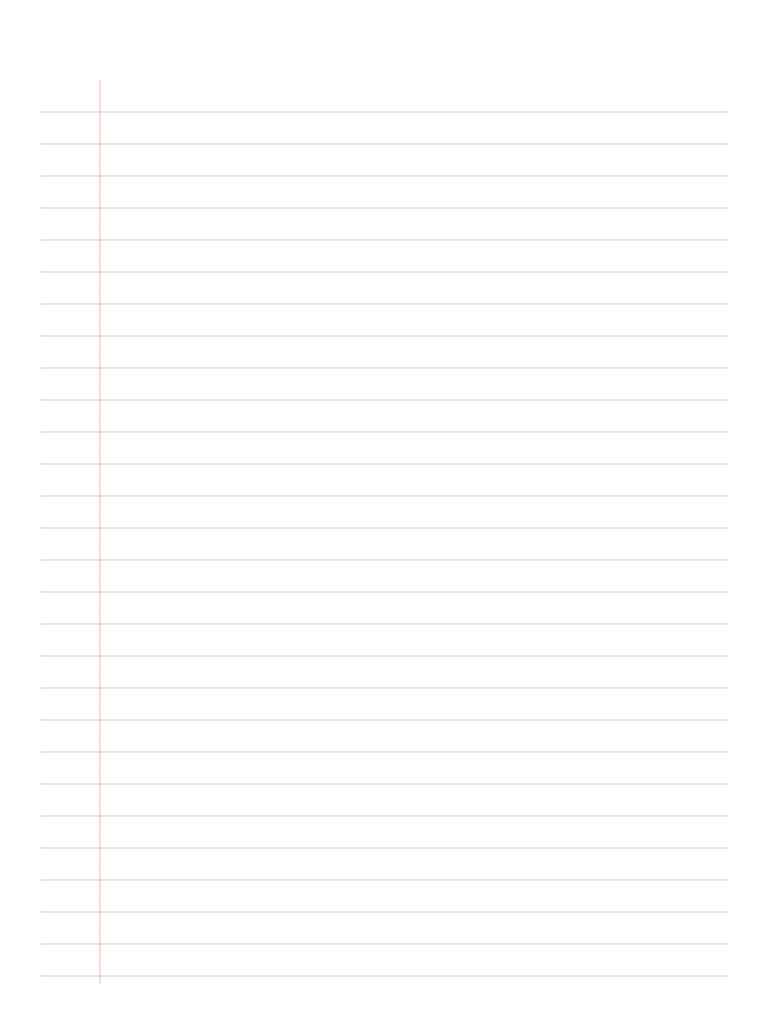
Write with Apple Pencil, a mouse or your finger. Your page is saved in this browser.

Use the Lined Paper in Notes for iPad
Unlimited pages, 117 templates, notebooks, stickers, PDF import and export — made for Apple Pencil.
Frequently asked questions
Is this wide ruled or college ruled?
The line spacing sits between wide ruled and college ruled, which is comfortable for Apple Pencil handwriting on an iPad screen and still works when printed.
Is the lined paper free?
Yes. The PDF download and the in-browser version are free. In the Notes for iPad app, lined paper is one of the free templates too.
Can I type on it instead of writing?
In the Notes for iPad app you can mix handwriting with typed text boxes on any page, including lined paper.