Study Guide Template
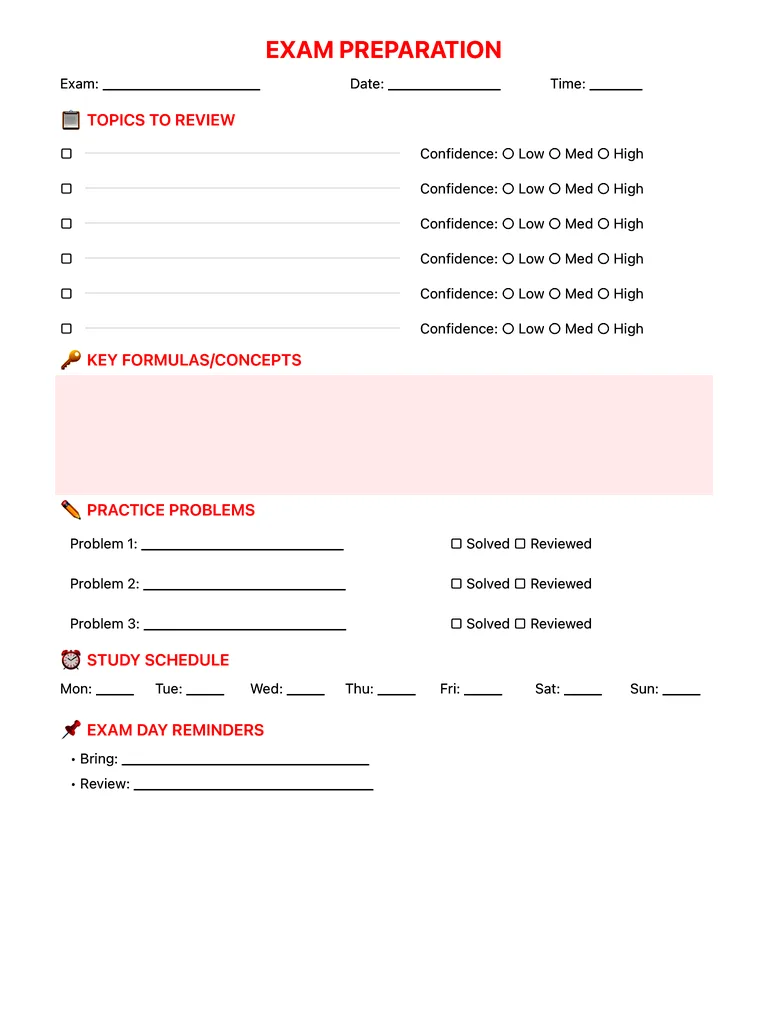
Plan your exam prep on one page: topics to review with a confidence rating, key formulas and concepts, practice problems, a Monday–Sunday study schedule and exam-day reminders. Free PDF or fill it in on iPad.
Free · no sign-up · PDF works for printing and in any note app (Goodnotes, Notability, Notes for iPad). Premium template in the app.
About this template
Walk into exams confident instead of panicked. List every topic you need to review and rate your confidence on each — immediately exposing knowledge gaps. The key formulas section becomes your cheat sheet for review. Practice problems with checkboxes ensure you're not just reading but actively testing yourself. Plan your study schedule across the week leading up to exam day. The reminders section catches those easy-to-forget details: calculator batteries, ID cards, room locations. Structured preparation beats last-minute cramming every time.
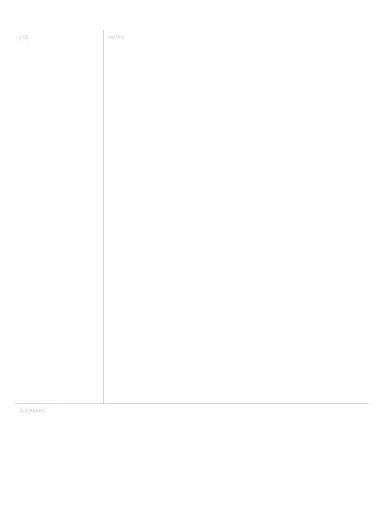
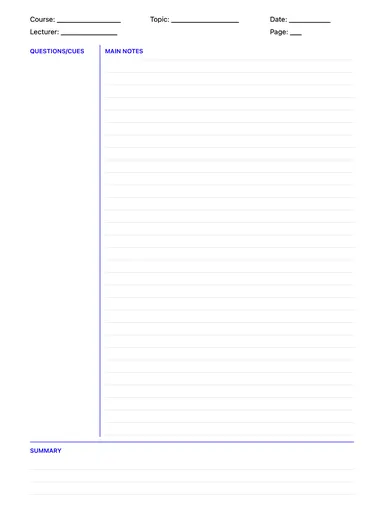
Learn more: The Cornell Method: How to Take Cornell Notes.
How to use it
- List every topic from the syllabus first — gaps show up immediately.
- Rate your confidence honestly and start with the weakest topics.
- Use your Cornell cue questions as practice questions here.
Who it's for
- Students: Track classes, assignments & exams
- ADHD-Friendly: Clear structure helps maintain focus
Write with Apple Pencil, a mouse or your finger. Your page is saved in this browser.

Use the Study Guide Template in Notes for iPad
Unlimited pages, 117 templates, notebooks, stickers, PDF import and export — made for Apple Pencil.
Frequently asked questions
How do I make a study guide?
Start from the syllabus, list the topics, write the key question each topic must answer, then schedule practice for the weakest ones first.
Can I combine it with Cornell notes?
Yes — the questions from your Cornell cue column are perfect self-test prompts for your study guide.