Concept Map Template
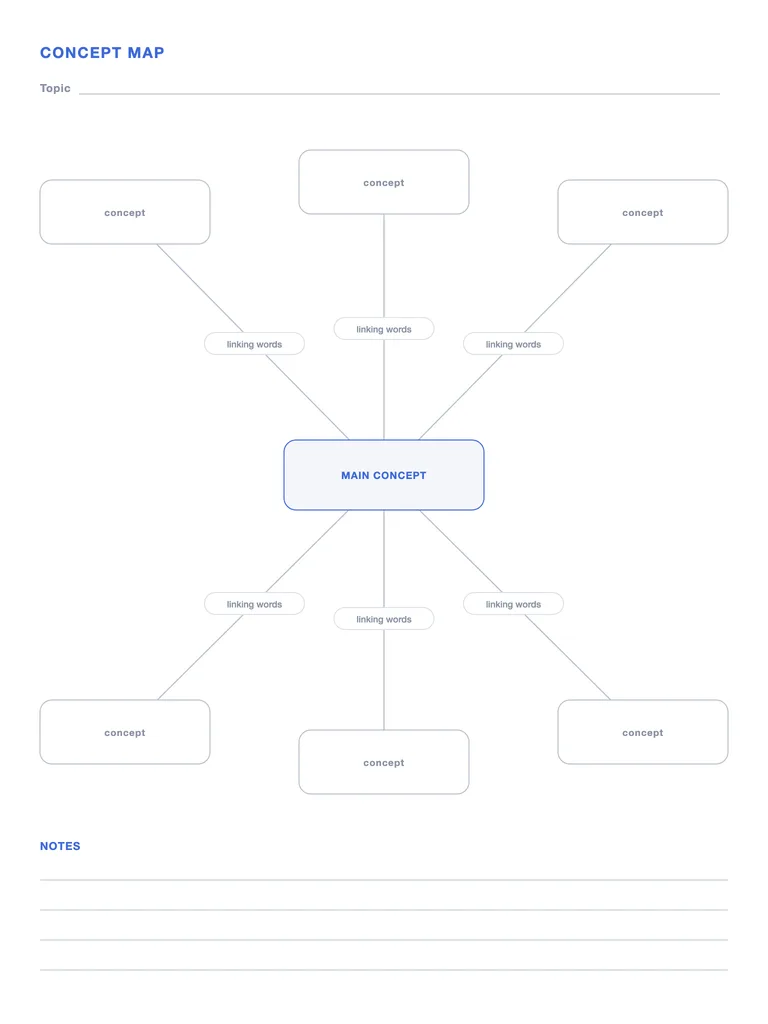
A concept map with a main concept, six linked concepts and labelled links for the “linking words” that explain each relationship. Free PDF or fill it in with Apple Pencil.
Free · no sign-up · PDF works for printing and in any note app (Goodnotes, Notability, Notes for iPad). Made for this site.
About this template
A concept map shows how ideas relate, not just that they relate. Put the main concept in the centre box and related concepts around it, then write the linking words on each connection — “causes”, “is part of”, “requires” — so every link reads as a sentence. That labelled link is what makes a concept map different from a mind map, and why it's used for studying science and building understanding.
How to use it
- Every link should read as a sentence: concept → linking words → concept.
- Start with 5–7 concepts; add more on a second map rather than cramming.
- Use the notes lines for cross-links you discover between outer concepts.
Write with Apple Pencil, a mouse or your finger. Your page is saved in this browser.

Import this PDF into Notes for iPad
Write on it with Apple Pencil next to 117 built-in templates, notebooks, stickers and PDF export.
Frequently asked questions
Concept map vs mind map — what's the difference?
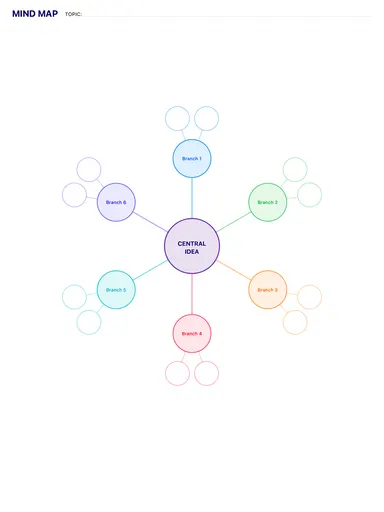
A mind map branches out from one topic with keywords. A concept map connects concepts with labelled links that explain the relationship. Try the mind map template for brainstorming.
What are linking words in a concept map?
Short phrases on the connecting lines — like “leads to”, “consists of” or “is an example of” — that turn two concepts into a statement.